How to Plan an Autowebinar Series That Leads to Selling a Course?
Do you have a topic that is hard to cover in a single webinar? Or do your audience members need time to try the tips, get to know how you work, and decide whether they want to buy the course?
You can prepare an autowebinar series: several recorded sessions that develop one shared topic. The participant learns the next topics, does the exercises, and gradually understands better how your offer will help them.
A cycle like that still needs a plan. Simply splitting a long recording into three parts is not enough. Each session should have its own goal and give a concrete reason to watch the next one.
What is an autowebinar series?
An autowebinar series is several pre-recorded presentations joined into one cycle and released on a set schedule.
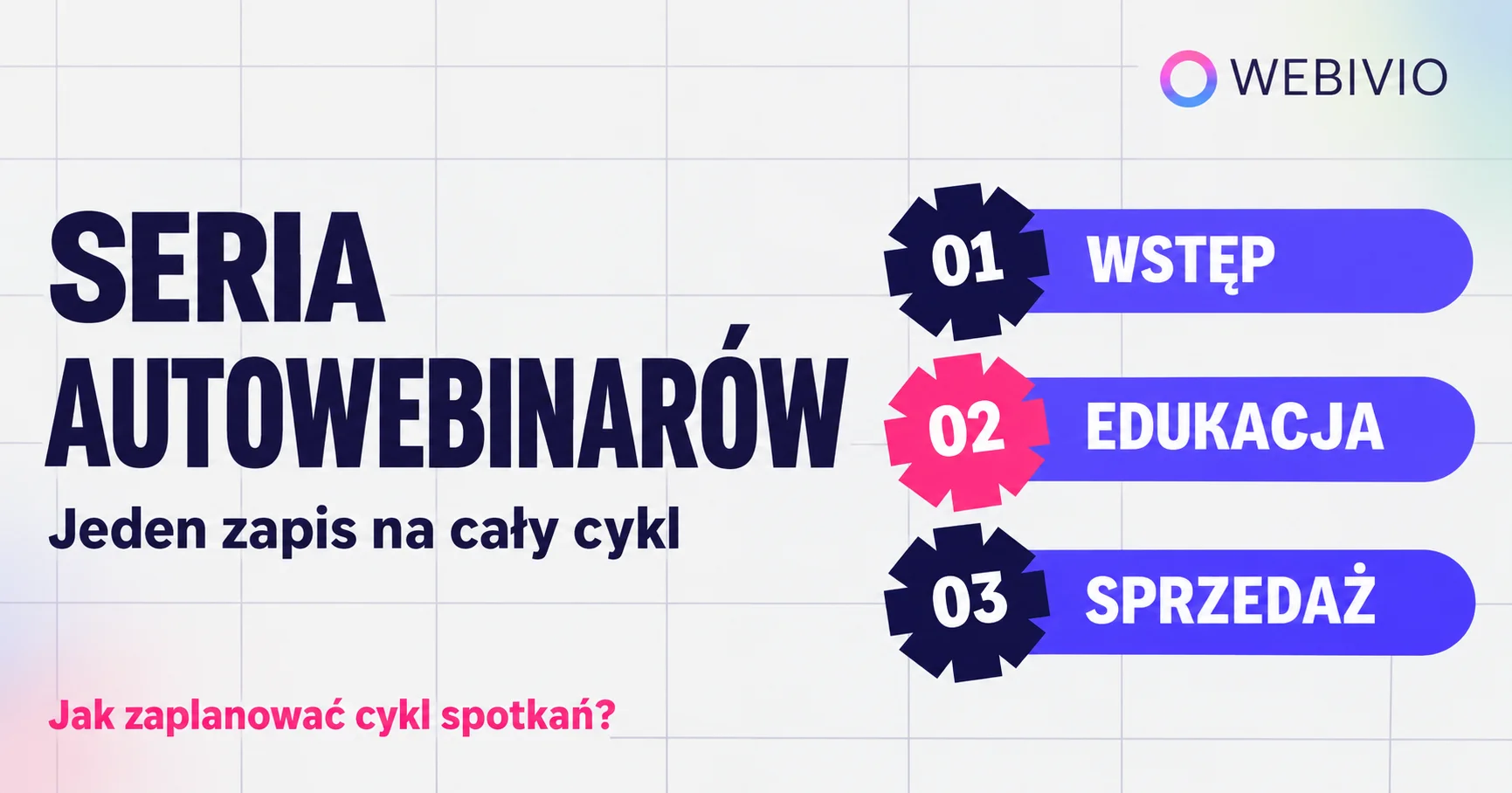
It can be, for example, a series of three sessions:
-
Introduction: the participant recognizes the problem and checks their current situation.
-
Education: they learn the solution and try to apply it in practice.
-
The sale: they receive a plan for further work and a proposal for a course or program.
That is a sample structure. Match the number of sessions and their content to the topic and to the time the audience member can spend taking part.
In Webivio, the participant signs up once for the whole series. The next autowebinars run on the schedule you set, and they receive reminders before each session.
When does an autowebinar series make sense?
A series can be a good fit when you want to show a process that takes several stages, or give participants time to complete a task between sessions.
It also works as a way to present the next offer to current students. Someone who bought your introductory course already knows your materials. Now they need to see what they can learn next and whether a more extensive program answers their current needs.
For example: after a photography basics course, you can invite students to a cycle about product photography. During the sessions you show working with light, setting up a composition, and editing photos. Then you present a course in which participants will practice the whole process.
A previous purchase does not mean everyone is ready for the next offer. First check what the audience is struggling with and what they want to learn.
Start with the audience and the goal of the series
Before you outline the presentations, answer three questions:
-
What does the participant already know or know how to do?
-
What problem should they solve during the cycle?
-
How will the course offered at the end help them?
That makes it easier to separate the content of each session and avoid repeating the same information.
If you are inviting current students, take their earlier learning into account. A series for people who finished a basics course should build on topics they already know, not explain the same concepts from the beginning.
When you prepare the invitations, splitting your mailing list into groups will help. You can send separate communication to customers of a specific course and to people who are only just getting to know your offer. You can read more about this approach in MailerLite's guide to audience segmentation.
How do you split a topic into three sessions?
Let us look at a sample series for people who know the basics of photography and want to take better product photos at home.
First autowebinar: help them recognize the problem
The first session should quickly show the participant that you understand their situation.
You can cover three common mistakes in home product photography and show how they affect the photos. Then suggest a simple task: finding a spot in the apartment with suitable light.
The participant finishes the session with a concrete conclusion and a task to do. They also know they will use the spot they prepared in the next webinar.
Avoid a long telling of your own story. A short explanation of who you are and why you work on this topic is enough to move on to the actual material.
Second autowebinar: show the solution in practice
In the second session, develop the topic and show how to apply the tips.
In our example, you can set up a simple scene by a window, place the product, and compare photos taken with different settings. Explain what you change and why.
Give participants an exercise they can complete without buying your course. Being able to test the tips on their own example helps them judge how you teach.
Close with a preview of the last session: show which topic is still left to cover, and say that you will also present an offer for further learning.
Third autowebinar: present the next plan and the course
The last session should contain useful content and the offer.
You can cover basic photo editing, summarize the whole process, and point out what the participant can practice on their own. Then present the course as a way to keep going.
Explain:
-
who it is for,
-
what the participant will learn,
-
what the materials and exercises look like,
-
whether they will get support or feedback,
-
how much it costs to join and how to join.
Show the difference between the free series and the paid product. It might be a wider scope, a structured program, extra exercises, or individual help.
If you need tips on the presentation itself, see our guide on how to prepare a sales webinar step by step.
How do you set the schedule?
The gaps between sessions should follow from what the participant is supposed to do after watching the material.
If you give a task that takes preparation, leave time to complete it. If the next parts explain one process without extra exercises, they can run closer together.
To start, you can plan three sessions within a week, for example on Monday, Wednesday, and Friday. That is a proposal to test, not a universal schedule.
On the registration page, state how long the sessions are, what they cover, and when they happen. The audience member should know what commitment they are agreeing to.
Prepare messages before the next sessions
One signup for the series makes it easier to attend, but it does not replace communication.
Before each autowebinar, remind them of the time and add a direct link to the session. Also write briefly why this part is worth watching.
Instead of stopping at “Webinar number two is today”, you can write:
“Today I will show you how to place a product by a window and improve its lighting without studio lamps. Have ready the object you want to photograph.”
You will find more ideas in the article on how to increase webinar attendance.
Plan contact after the series ends
Some participants will need more information before they buy. Prepare messages that help them evaluate the offer.
You can send a summary of the program, answers to common questions, or an example of a student's work if you have their consent to use the material.
Each message should add something concrete. Avoid repeating the same offer in different words every day.
If you use an external mailing system, plan the further communication there. GetResponse's guide to automatic messages after a webinar describes an example of that kind of setup.
Also make sure people who already bought the product are excluded from later reminders to buy it.
How do you prepare an autowebinar series in Webivio?
First prepare the individual autowebinars: add the recordings and configure the settings for each session. Then join them into a series and set the schedule.
In Webivio you can plan specific dates and times, or the next sessions on set days after signup. The participant registers for the whole cycle and receives reminders before each session.
You will find the details in the autowebinar series documentation.
Before you promote it, do a test signup. Check the dates, messages, recording playback, and the links in the offer. Go through the whole series the way your participant will.
How do you tell whether the series is working?
Check how many people sign up for the cycle, how many watch the next parts, and how many reach the offer presentation.
If participants watch the first session but do not come back for the next ones, look at the schedule, the reminders, and the preview of the next topic.
If they reach the offer but do not buy, check how well it fits and which questions are still unanswered.
Do not assume that a larger number of webinars will always improve sales. Every extra session takes the audience member's time. If the topic can be explained well in one presentation, a shorter format may be the better choice.
Try Webivio for free
Prepare a cycle in which each session has a clear goal and helps participants take the next step. Start from the audience's needs, outline the content, and only then decide how many autowebinars you need.
In Webivio you will join recordings into a series with one signup, a schedule, and reminders before the next sessions.
Create an account and try Webivio free for 14 days, with no card attached.